Control Plane (Dashboard + Orchestrator)
This repository includes a “control plane” layer to make local benchmarking workflows fast, repeatable, and observable.
It consists of:
- Dashboard: Next.js UI (
utils/nextjs-dash) on port 3001 - Orchestrator: Quarkus service (
utils/orchestrator) on port 3002
Last updated: 2026-03-28
Why a control plane exists
Benchmarking isn’t just “start service → run wrk2”. In practice you iterate repeatedly:
- tweak
compose/.env - start/stop selected profiles (OBS / SERVICES / RAIN_FIRE)
- rerun load generation
- verify health + capture logs
The control plane exists to make that loop:
- faster (UI + presets)
- safer (command allowlist)
- easier to observe (job state + SSE output)
Architecture
High-level flow:
Browser
  → nextjs-dash (Next.js)
    → /api/* proxy routes
      → orchestrator (Quarkus)
        → docker compose ... (host engine via docker socket)
Key principle: keep Next.js “thin”
The Next.js dashboard should remain a presentation layer.
- It proxies requests to avoid CORS issues.
- It should not contain orchestration business rules.
The orchestrator owns:
- validation / allowlisting
- job lifecycle
- streaming output/events
What you can do with it
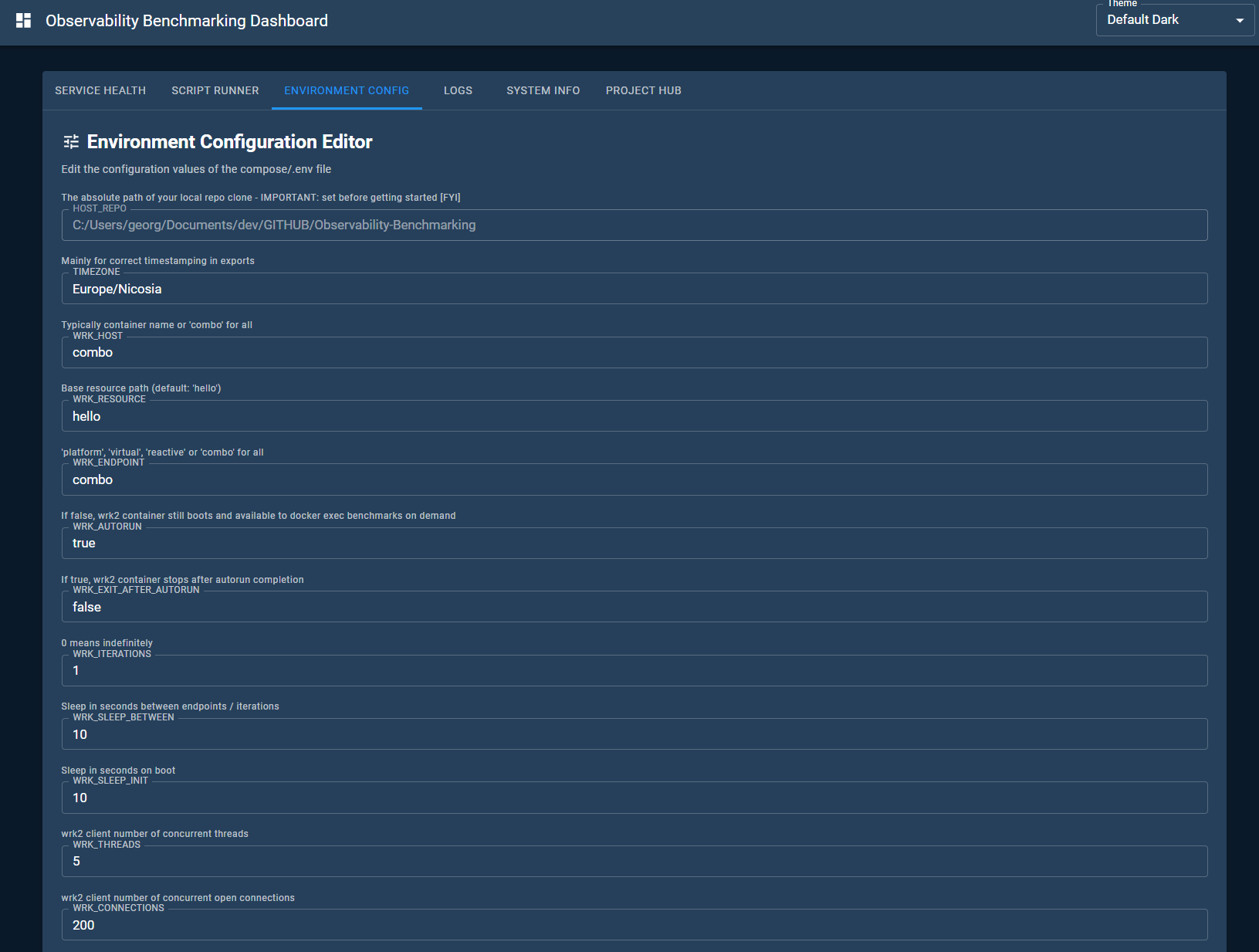
1) Edit environment configuration
The dashboard exposes a UI to view/edit the environment file used by Compose (compose/.env).
- The orchestrator persists the file
- A backup is created on update
2) Configure benchmark targets
The dashboard exposes a Benchmark Targets tab to select which service endpoints to include in benchmark runs.
- Chip-based multiselect UI shows all available endpoints
- Quick-filter group buttons for fast grouped selection (Java, JVM, Native, Spring, Helidon, Go, Python, Platform, Virtual, Reactive, All, None)
- Changes are saved to
config/benchmark-targets.txtvia the orchestrator (POST /v1/benchmark-targets) - The wrk2 load generator reads this file on each run
3) Run curated command presets
The orchestrator exposes an allowlisted “run” API.
The dashboard can submit:
- “start OBS”
- “start SERVICES”
- “rerun RAIN_FIRE”
Depending on repo configuration, it may also expose IntelliJ .run presets.
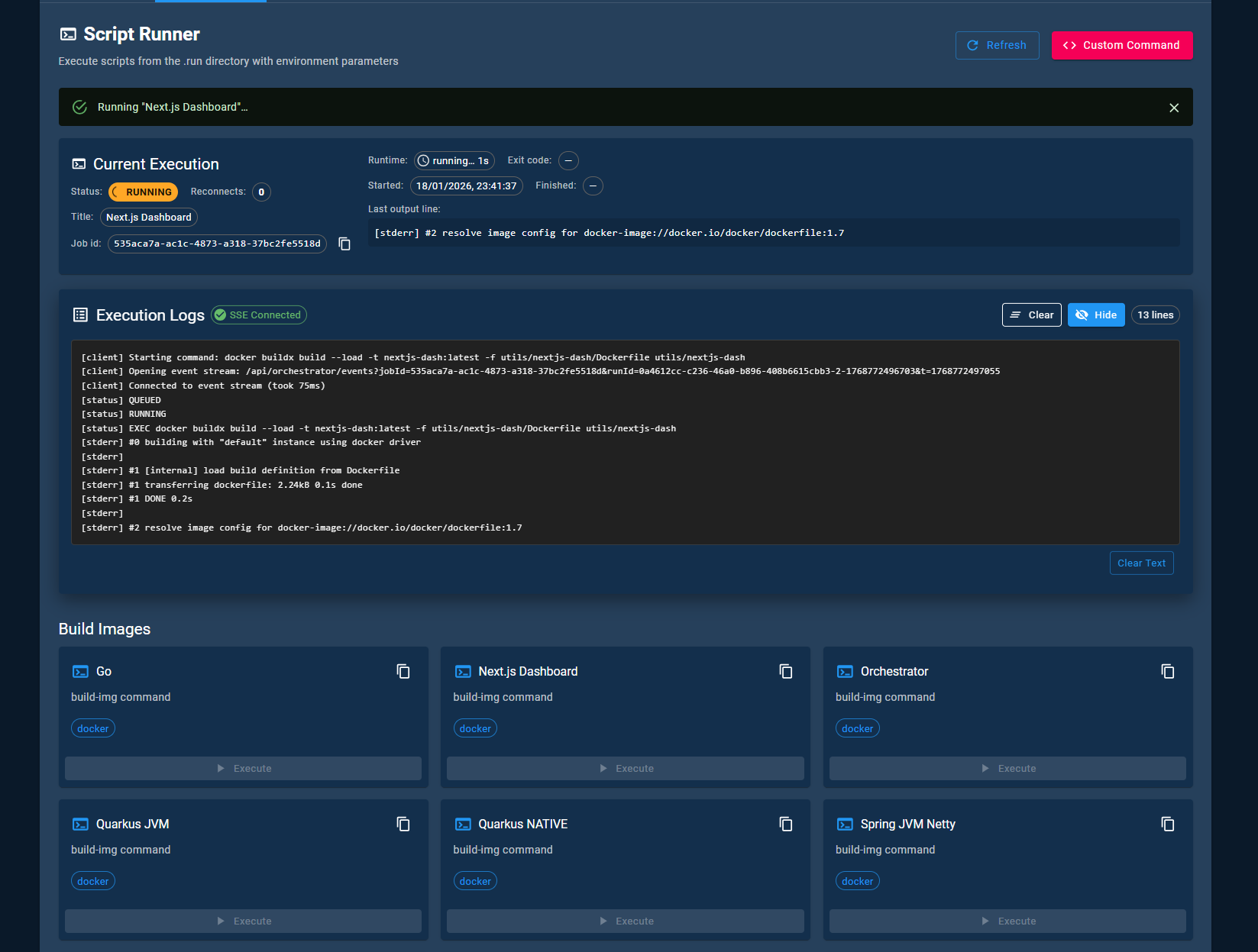
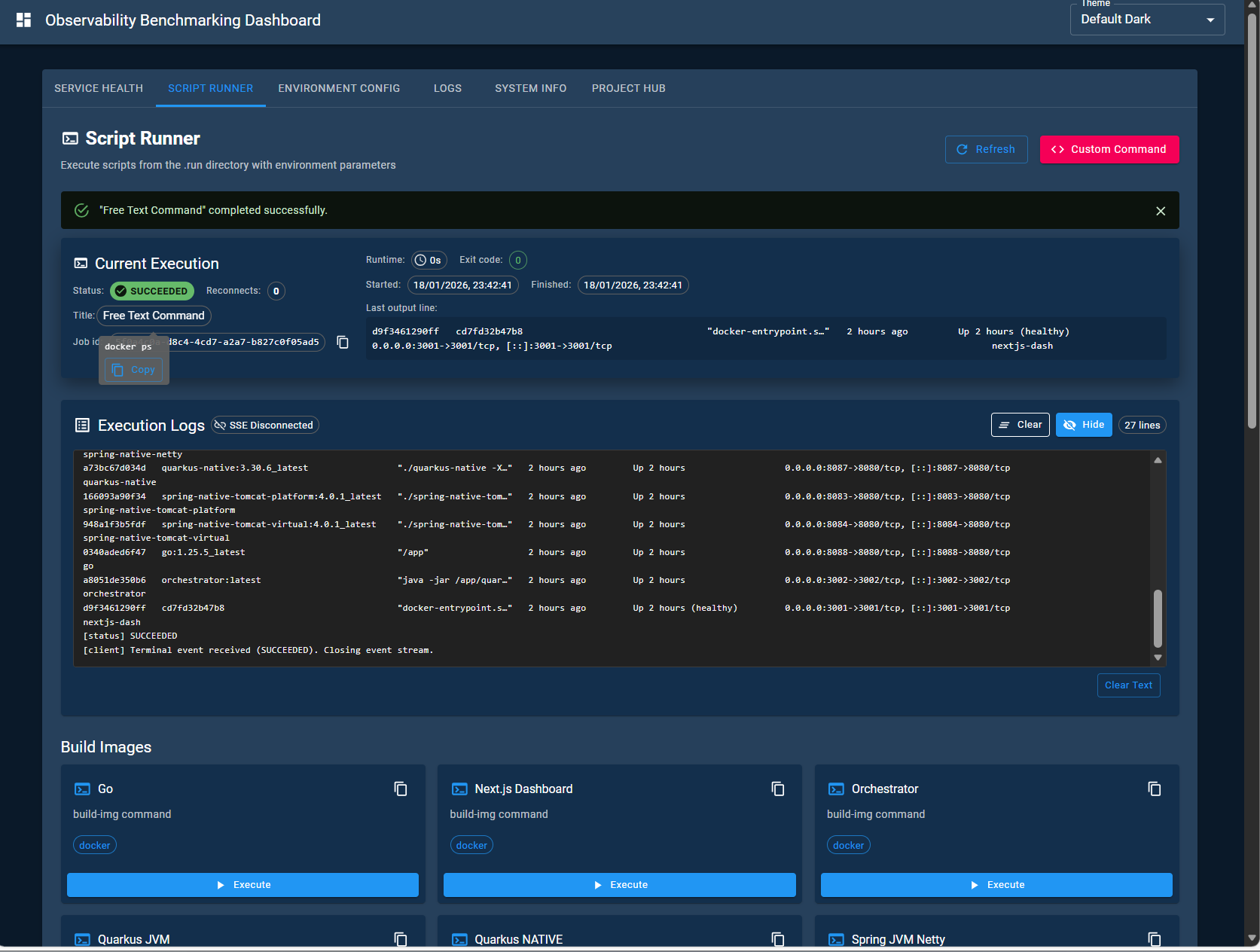
4) Stream progress (SSE)
Long-running tasks (builds, start/stop, reruns) report progress via Server-Sent Events.
This gives a low-friction, browser-native “tail -f” experience.
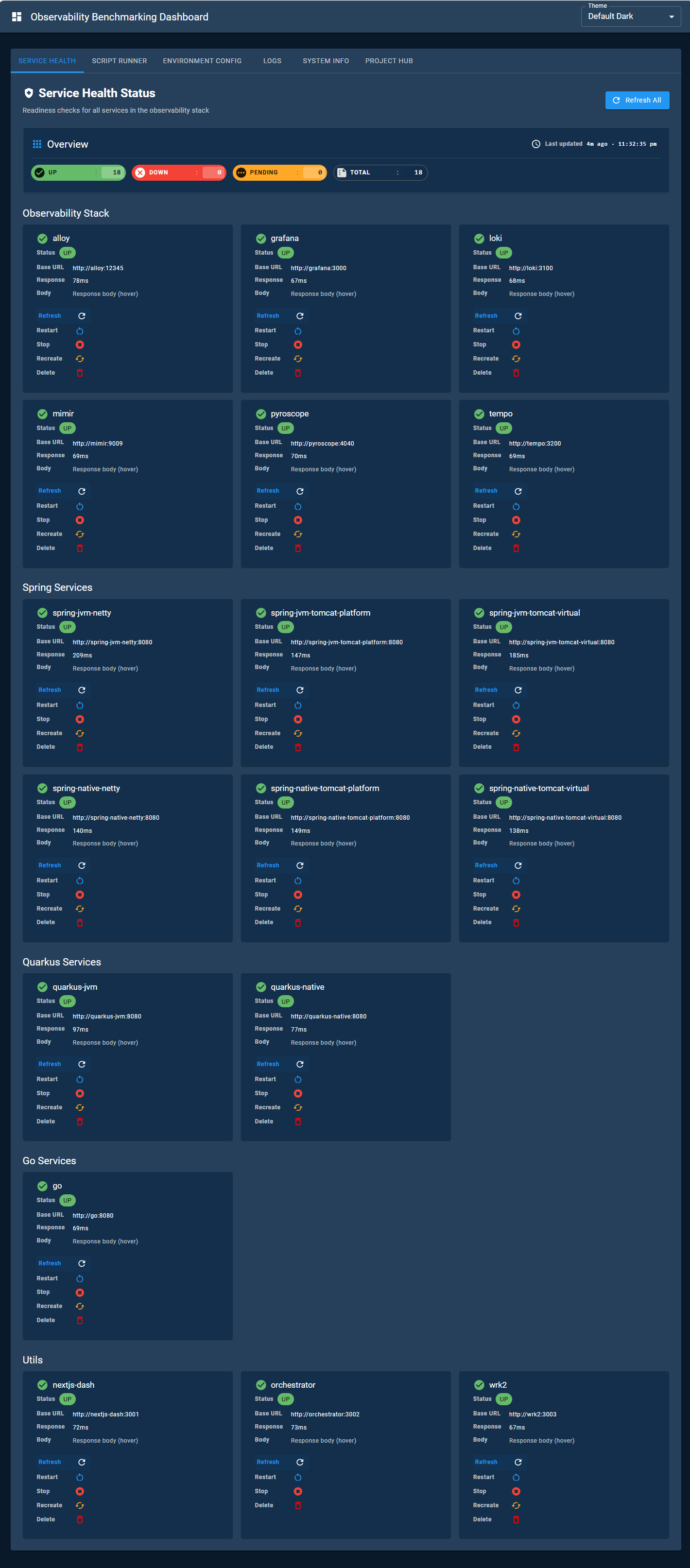
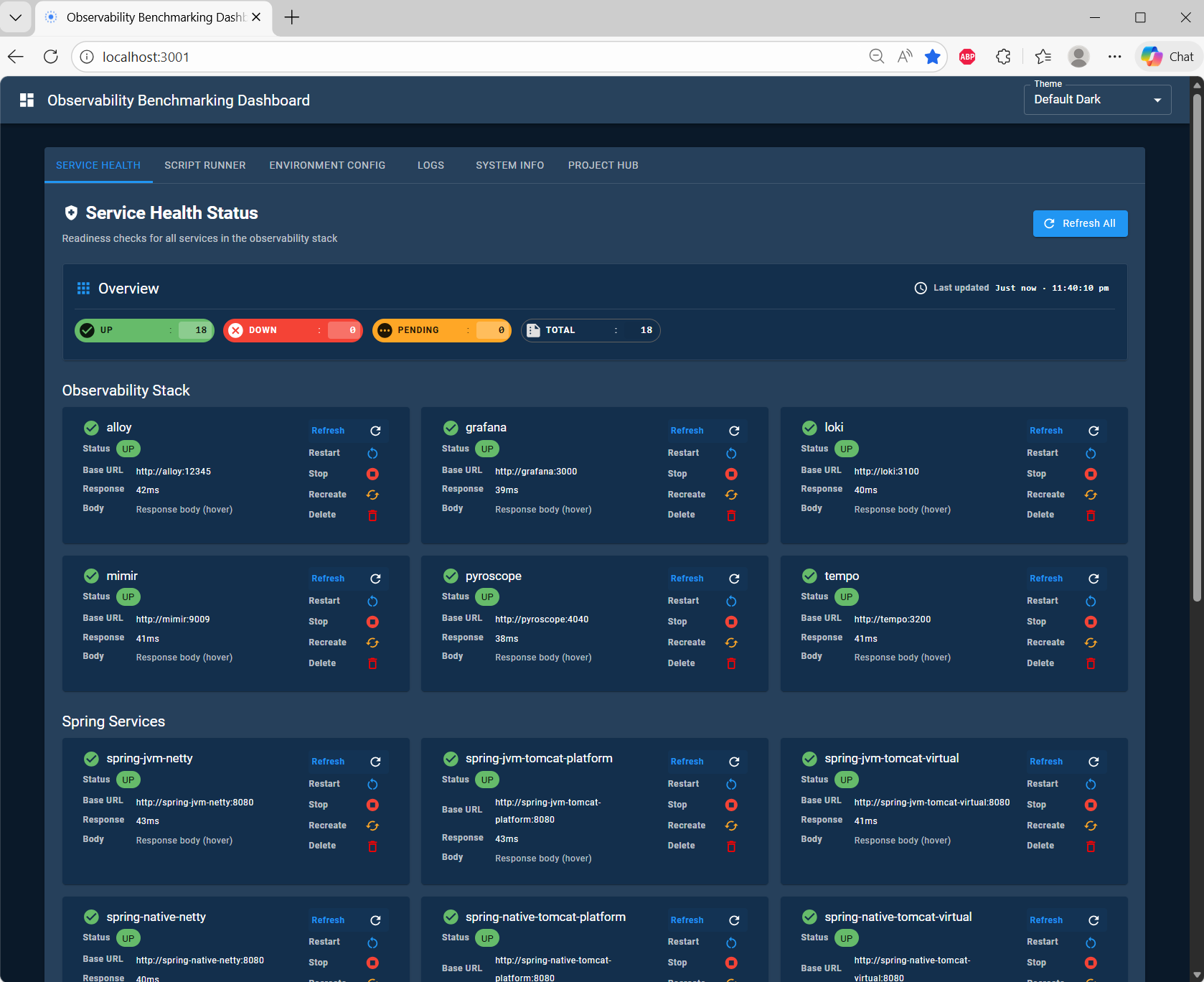
5) Health aggregation
The orchestrator can aggregate health/readiness across the stack so you can quickly verify:
- who is up
- who is ready
- who is failing
How to use it
Option A: Use the dashboard (recommended)
- Start the stack (at least the control plane services) using the repository’s compose workflow.
- Open the dashboard:
- http://localhost:3001
From there:
- edit env values
- configure benchmark targets
- run presets
- follow job output via SSE
Option B: Call orchestrator directly
Orchestrator API base:
- http://localhost:3002
Useful endpoints:
- Swagger UI:
/q/swagger-ui/ - Run a job:
POST /v1/run(requiresAuthorization: Bearer <api-key>) - Job events (SSE):
GET /v1/jobs/{id}/events
See also:
utils/orchestrator/README.mdutils/nextjs-dash/README.md
“Gotchas” (especially on Windows + WSL2)
HOST_REPOincompose/.envmust be correct (bind mounts depend on it).- Docker Desktop must have access to the repo directory.
- SSE can be impacted by reverse proxies or aggressive corporate network middleware.
Security note
The orchestrator commonly mounts the Docker socket and can control the host Docker engine.
Treat it as privileged and do not expose it publicly.
Screenshots (control plane UI)
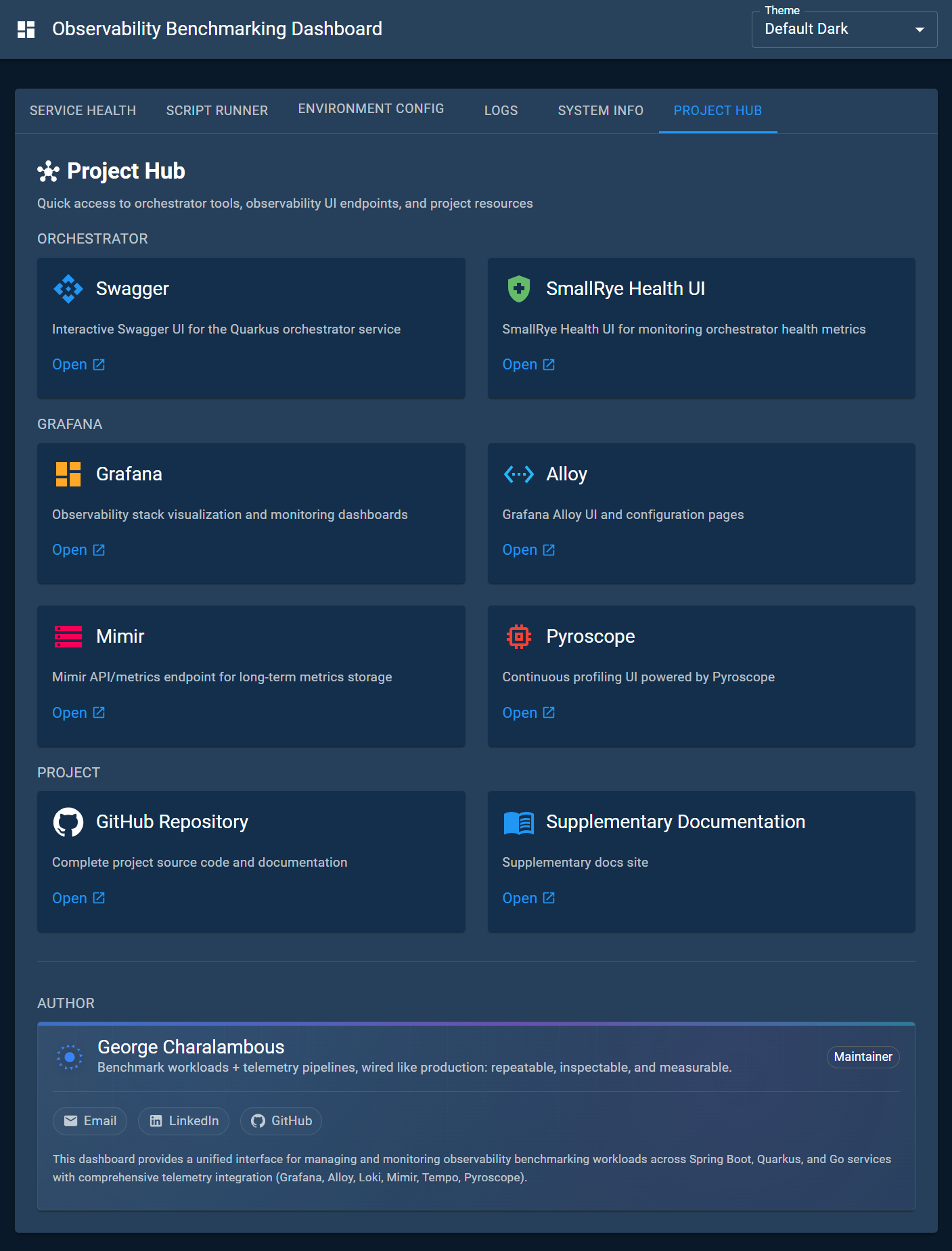
Dashboard hub
Environment configuration editor
Running scripts and following output
Service health overview